Use case · Designers

DigUp for designers

Reference libraries outgrow filenames. DigUp embeds images and PDF pages with EmbeddingGemma 2 so “blue packing peel” finds the shot — locally.

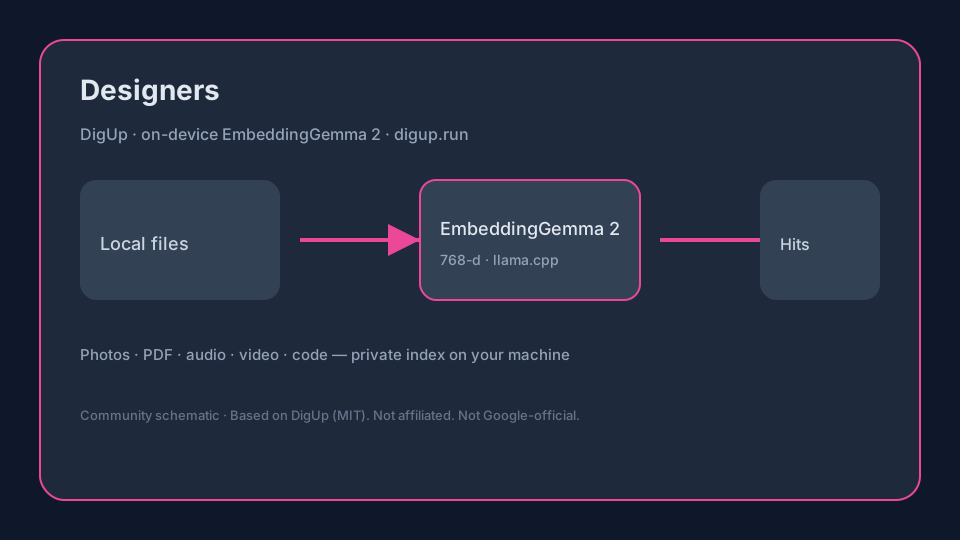
On-device flowSchematic: DigUp uses EmbeddingGemma 2 for Designers local search
Original schematic — DigUp indexes local files with EmbeddingGemma 2 (llama.cpp).

Sourced snapshot (2026-10-15)

FactValueSource
ModelEmbeddingGemma 2 · ~740M params · ~865 MB Q8 via llama.cppGoogle AI · DigUp README
Vector space768-d shared multimodal spaceGoogle AI · DigUp README
Mac / Win·Linux0.6.1 · 0.7.0-beta.1GitHub Releases
Stars / forks~3,768 / ~254GitHub API

Pain → DigUp workflow → tip

PainDigUp + EmbeddingGemma 2 workflowTip
Find a past moodboard photoIndex design libraries; describe the sceneVisual nearest neighbors in 768-d
Client markup PDF pagePDF page embeddingsOpen at the marked page
Screen recording of a flowVideo moments + audioJump near the UI state
Export vs Figma naming chaosMeaning search across foldersKeep Figma for edit; DigUp for find

Numbered checklist

  1. Install DigUp; index Exports / References / Specs (local copies).
  2. Allow first EmbeddingGemma 2 download (~865 MB).
  3. Search visually (“dog on the beach”) or by UI text on Mac screenshots.
  4. For huge photo libraries on CPU-only Win/Linux, expect slower photo indexing (README).
  5. Link related: multimodal guide + vs Spotlight.

Why EmbeddingGemma 2 matters here

Google’s EmbeddingGemma 2 (~740M, unified 768-d multimodal space) is what DigUp runs via llama.cpp (~865 MB Q8 package). One query can rank images, PDF pages, audio windows, video frames, and optional code — see the local multimodal guide and model page. digup.run is not Google-official.

Downloads & installs

Related