 DigUp
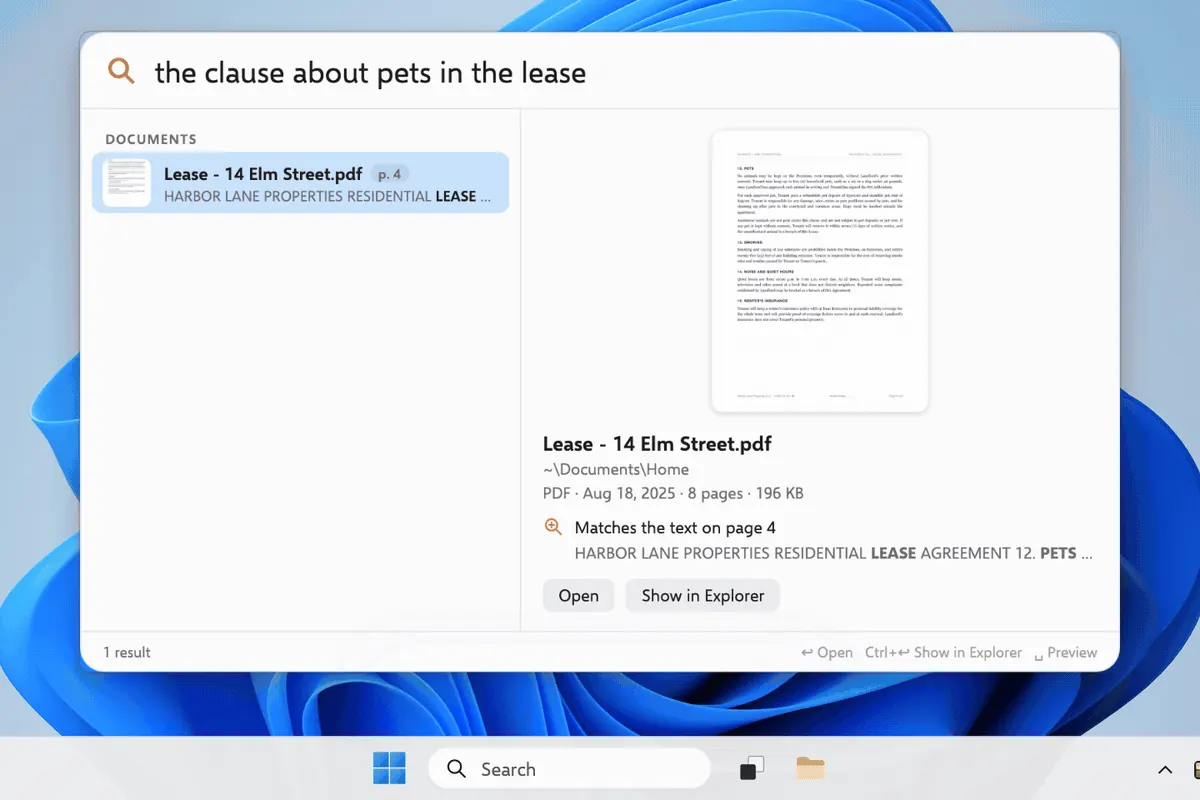
DigUpthe clause about pets in the lease
Meaning match in a long PDF → open to the page in your viewer.
Local multimodal search · digup.run
DigUp finds what’s inside photos, PDFs, docs, audio, and video — private folder indexing with EmbeddingGemma 2. Not a cloud drive. Not a launcher.
Real demo
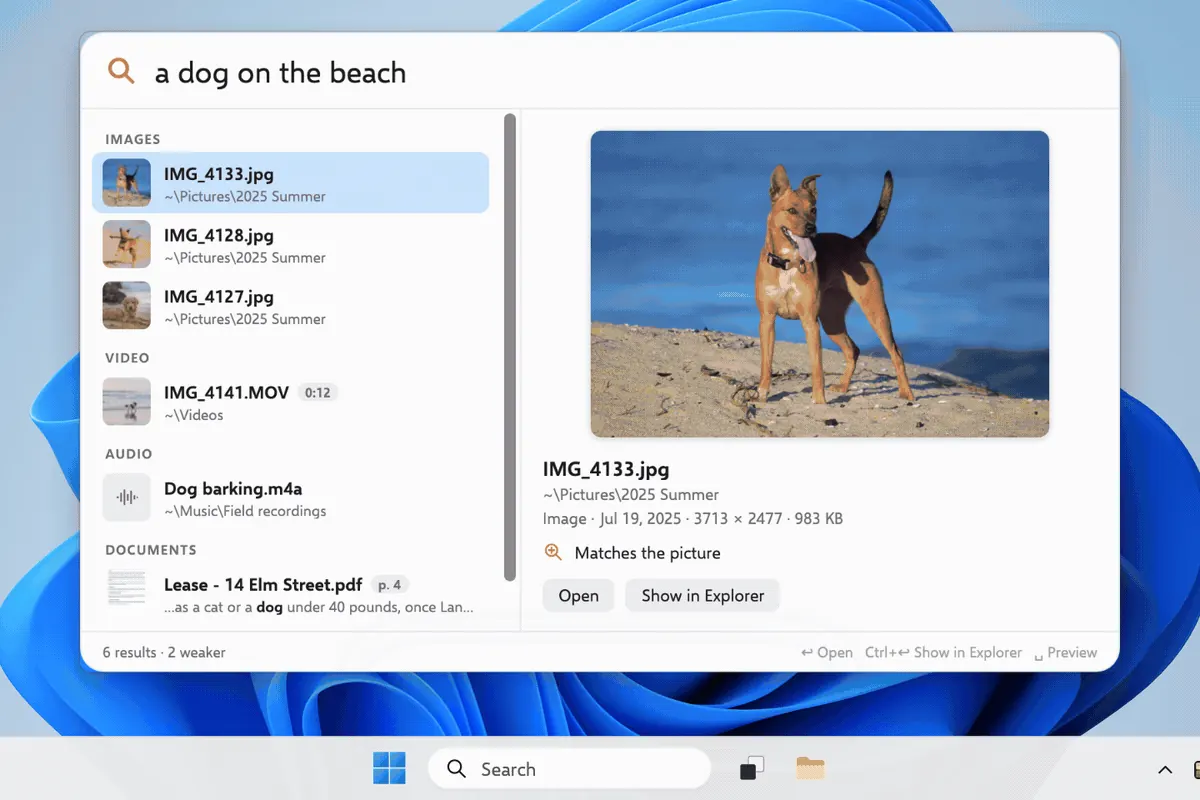
Natural-language search across video, audio, PDF, and code.
Product proof
The Windows search panel shows results in a sidebar by modality (VIDEO · IMAGES · AUDIO · DOCUMENTS), with a preview pane that lands on the match — e.g. “Matches the frame at 0:12”.
How it feels
Same job every time: natural language for content — then open at the place that matches.
the clause about pets in the lease
Meaning match in a long PDF → open to the page in your viewer.
zebra in a video
Frame + soundtrack → clip at the moment.
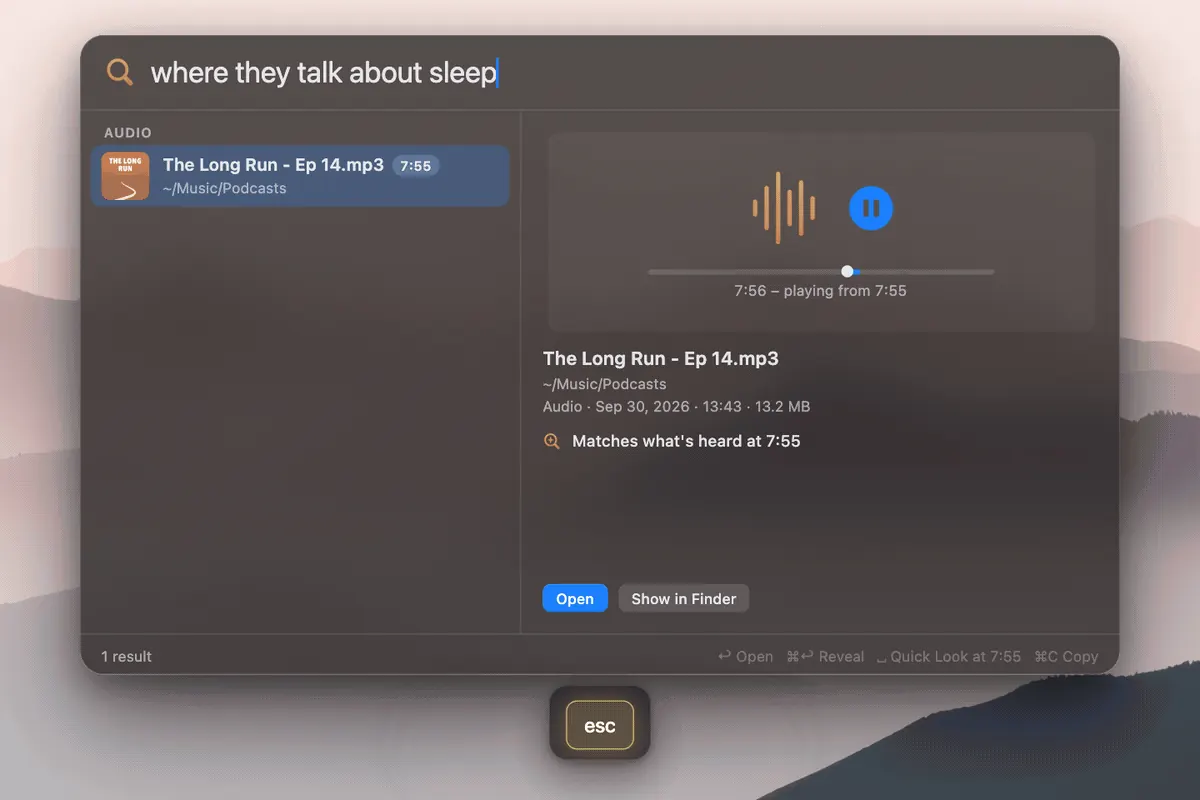
where they talk about sleep
~30s meaning window → podcast at that minute.
UI
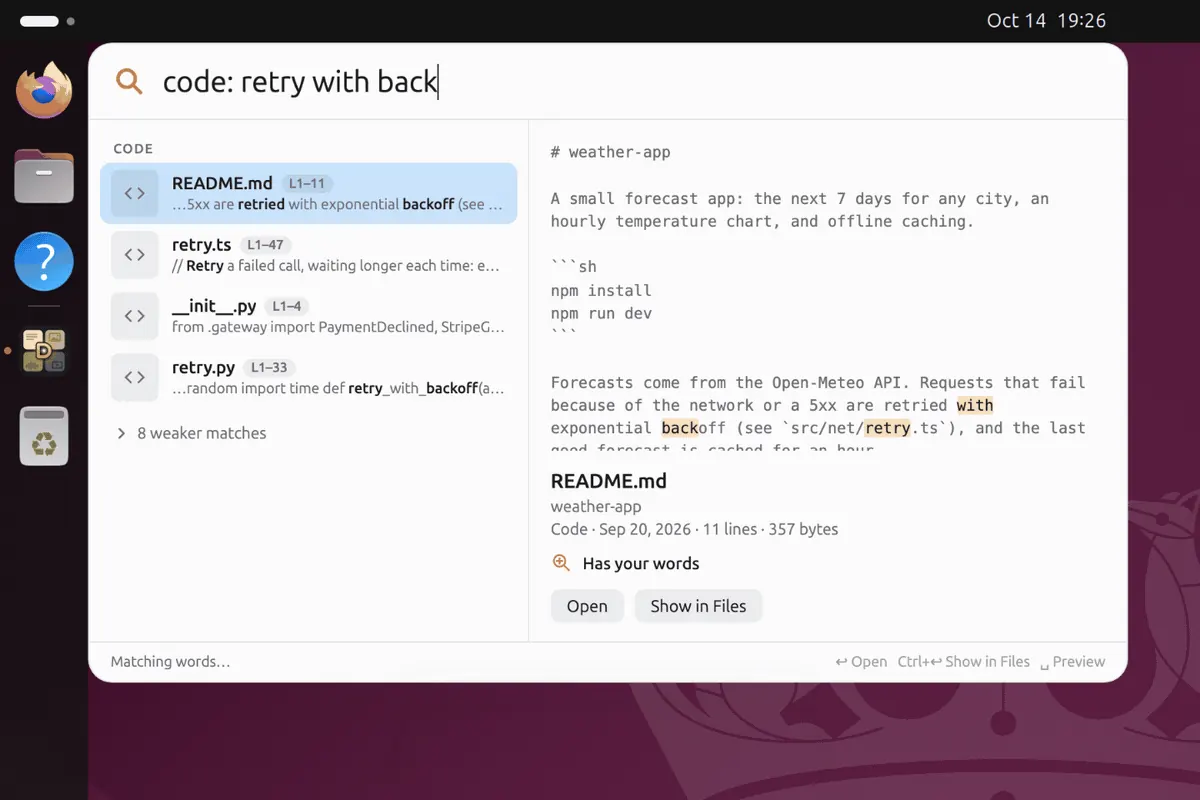
Search UI across Mac, Windows, and Linux.
Modalities
Images, PDFs, audio, video, optional code — all local.
Guides
Install notes and digup SEO guides.
Ready to dig? Download DigUp for your platform.